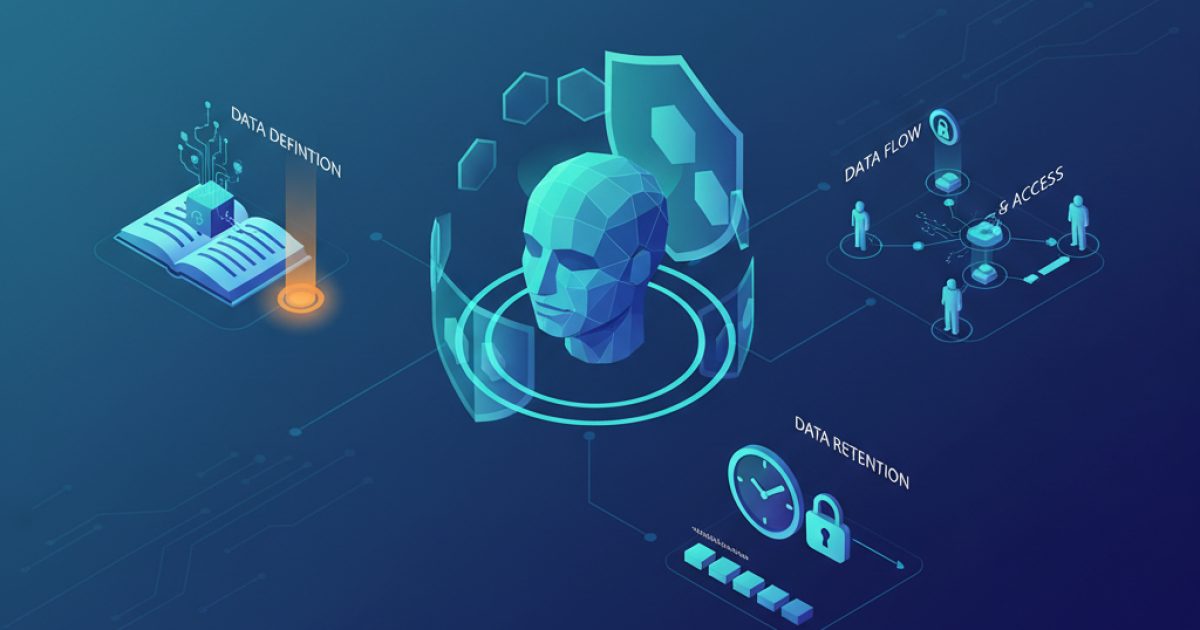
AI assistants are now easy to add to a business: a chat widget for customers, a helper for the sales team, an advisor inside the ERP. The technology arrives faster than the rules for using it. Teams paste customer data into public tools, assistants answer with confidential content, and nobody knows where conversations are stored. This article sets out practical privacy rules to agree before an assistant goes live. It is general guidance, not legal advice, so confirm the data protection requirements that apply to you with a qualified adviser.
Know what data the assistant touches
Start by mapping the data. For each assistant, list what it can read, what it can write, and what it sends to external services. Be specific: customer names, phone numbers, order history, invoices, employee records, contracts, internal documents.
Classify before you connect
Divide data into simple levels, for example public, internal, confidential and restricted. Decide which levels each assistant may access. A website assistant answering visitors should see public content only. An internal sales helper might see customer records for its own region. Restricted data, such as payroll or health information, should stay out unless there is a strong reason and strong controls.
Collect less
The safest data is data you never send. Give the assistant only the fields it needs to complete a task, and mask or remove identifiers when the answer does not depend on them. Sending a customer's order status request does not require their national identification number.
Choose where data goes
Most assistants call a model hosted by an external provider. Read the provider's terms and settings carefully.
- Is your data used to train the provider's models, and can you opt out?
- Where is it processed and stored, and for how long?
- Who at the provider can access it, and under what conditions?
- Can you delete it on request, and is deletion documented?
For very sensitive workloads, consider providers that offer stricter data agreements, regional processing, or models that you host yourself. Match the choice to the sensitivity of the data, not to convenience.
Respect access rights
An assistant must not become a back door to information a person could not otherwise see. If it searches company documents, apply the same permissions as the original systems at the time of each query. A junior employee should not receive an answer drawn from a confidential board paper because the assistant has broader access than they do.
The same applies in multi-tenant products: one customer's assistant must never be able to retrieve another customer's data. We treat tenant isolation as a design requirement, tested explicitly, in every platform we build.
Handle conversations and logs
Tell people what is happening
Be clear with customers and staff that they are talking to an AI, what it is used for, and whether conversations are stored. A short notice with a link to your privacy policy is better than silence.
Set retention and redaction rules
Conversation logs are valuable for improving quality, and they are also a risk. Decide how long to keep them, who may read them, and how to redact sensitive details such as card numbers, passwords and identification numbers. Delete logs on a schedule, and make sure your backups follow the same policy.
Never put secrets in prompts
Credentials, API keys and internal passwords do not belong in instructions or knowledge sources. Anything placed in a prompt may be echoed back to a user who asks the right question.
Put guardrails and review in place
- Limit actions. Let the assistant take only the actions you have explicitly allowed, and require human approval for anything irreversible, such as refunds, deletions or messages to many people.
- Test for leaks. Before launch, try to make the assistant reveal confidential content, ignore its instructions or access other users' data. Repeat after significant changes.
- Review samples regularly. Read a selection of real conversations each week, and track wrong or risky answers.
- Offer a human route. Customers should be able to reach a person, and staff should know how to report a problem.
- Assign an owner. One named person is accountable for each assistant's data, behaviour and updates.
Write the rules down
Turn these decisions into a short, readable policy: approved tools, data allowed in each, retention periods, review process and what to do after an incident. Train staff on it, especially on the rule that confidential data must not be pasted into unapproved public tools. A one-page policy that people actually follow beats a long document nobody reads.
Privacy and usefulness are not opposites. An assistant with clear boundaries earns trust, and trust is what makes people use it. If you are planning an assistant for your customers or your team, the Narmar team can help you design it with sensible controls from day one. See our AI services or contact us.